Stop Paying for Stock Photos: How to Use AI to Create Custom Brand Visuals for $0
Jan 19, 2026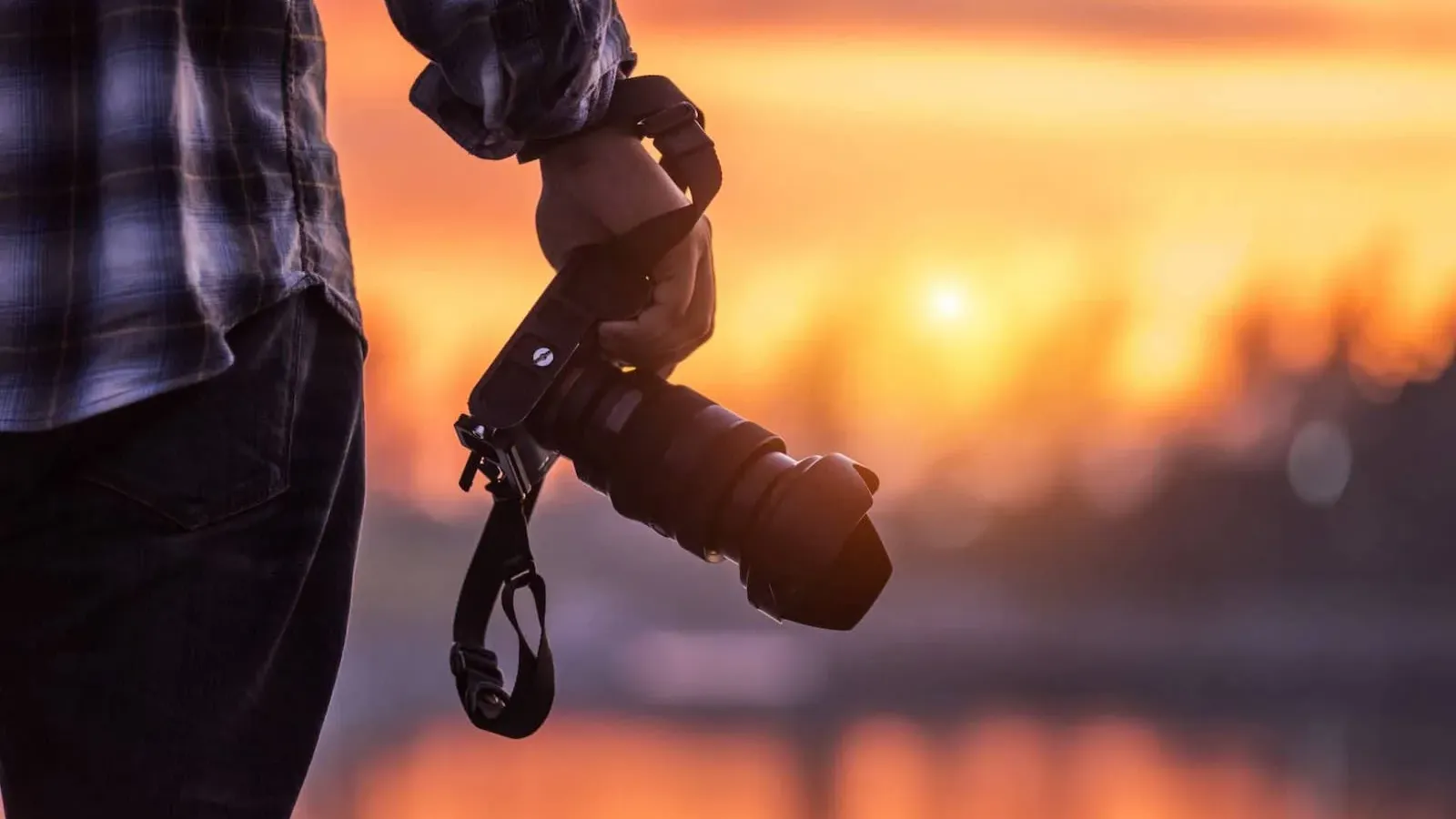
Last updated: April 2026 · Written by 20 Minute Marketing · 9 min read
The Death of the "Stock Photo" Aesthetic
We’ve all seen them: the generic "handshake" photos, the overly bright office smiles, and the same "happy customer" who seems to appear on every local business website in Australia. In 2026, customers can smell a stock photo from a mile away, and it instantly devalues your brand.
But professional brand photography is expensive. A single half-day shoot can cost upwards of $1,500. For a small business owner, that’s a significant hurdle. Enter AI Image Generation. In the last year, tools like
Phase 1: Choosing Your 2026 AI "Camera"
📘 Want the full picture? Read our best AI tools for small business marketing — the complete pillar guide this article is part of.
Not all AI generators are created equal. Some excel at art, while others are built for photorealism.
The Top Free Options for 2026
-
Google Gemini 3 (Nano Banana Pro): The current gold standard for realism and lighting. It is particularly good at "understanding" what a professional business environment looks like.
-
Canva Magic Media: Ideal for beginners. It allows you to generate an image and immediately drop it into a website banner or social media post template.
-
Microsoft Designer (DALL-E 3): Excellent for following complex instructions, such as "a plumber’s van parked in a leafy Melbourne suburb at sunset."
According to
Phase 2: The "Studio Lighting" Prompting Secret (5 Minutes)
If you ask an AI for "a photo of a clean kitchen," it will look like a computer game. To get a professional photo, you must use Photography Vocabulary.
The "Pro-Shot" Prompt Template
When you enter your prompt, always include these three elements:
-
The Subject: (e.g., "A modern, minimalist office desk with a laptop and a cup of coffee")
-
The Lighting: (e.g., "Soft natural morning light, cinematic shadows, 4k resolution")
-
The Lens: (e.g., "Shallow depth of field, blurred background, 35mm lens")
Example Prompt: > "A high-resolution, photorealistic shot of a professional [Industry] workspace. Soft natural light coming from a window, shallow depth of field with a blurred background. Professional, clean aesthetic, no people. 4k, studio quality."
This is a core skill we dive into during our
Phase 3: Creating "Product-in-Action" Shots (10 Minutes)
If you sell physical products, you no longer need a lightbox.
-
Take a basic photo of your product with your phone.
-
Use an AI Background Remover (like the one in
Canva Adobe Express -
Prompt a new background: Use the "Generative Fill" feature to place your product on a marble countertop, a rugged workbench, or a high-end retail shelf.
This allows you to create "Lifestyle" images that show your product in its best possible light without ever leaving your house.
Phase 4: The Legal Guardrails of 2026
As AI becomes mainstream, the legal landscape has tightened. To keep your business safe, follow these rules:
-
Avoid "Lookalikes": Never prompt the AI to include celebrities or specific brand logos.
-
Commercial Rights: Ensure you are using the tool's "Commercial Use" tier. Most free versions (like Gemini and Canva) allow commercial use, but always check the latest terms.
-
The Human authorship Rule: In 2026, many jurisdictions (including Australia) require some level of "human input" for an image to be eligible for copyright. Always edit or refine your AI images to make them truly yours.
As noted by
Chapter 5: Technical Optimization (The 5-Minute Polish)
AI images are often delivered in huge file sizes that will slow down your website. Slow sites kill your
-
Upscale: If the image looks a bit blurry, use a free tool like
Topaz Gigapixel -
Compress: Use
TinyPNG -
Convert to WebP: This is the preferred format for Google in 2026.
FAQ: AI Branding for Small Business
"Does AI-generated content hurt my SEO?"
No. Google has explicitly stated they do not penalize AI content as long as it provides value. A beautiful, custom AI image is far better for SEO than a generic stock photo that exists on 1,000 other sites.
"What if the AI gives the person 6 fingers?"
This is a common "AI hallucination." Use the "Magic Edit" or "Inpainting" tool in
"Can I make an AI version of myself?"
Yes, tools like
Conclusion: Visual Authority on a Budget
In 2026, you are no longer limited by your photography budget. You are only limited by your imagination and your ability to "speak" to the AI. By replacing tired stock photos with custom-generated brand visuals, you tell your customers that your business is modern, professional, and attentive to detail.
Take the Next Step: Creating visuals is just the first step. To learn how to integrate these images into a high-converting website and an automated
Enroll in the 20-Minute Marketing Essentials Course – Brand Your Business Like a Pro
Get the complete digital marketing system built for Australian small business.
Open the Essentials Course →Prefer to follow along in a class? the Digital Marketing Class.
Want AI to do the marketing heavy lifting?
The 20 Minute Marketing course shows you exactly which AI tools to use, what to prompt and how to fold them into a 20-minute daily routine.
Explore the AI Marketing Course →
Built for time-poor Australian small business owners.
Learn digital marketing in 20 minutes a day
Self-paced courses from someone who runs digital for two national brands. Build skills you can show an employer or a client.