How to Set Up Instagram for Business: A Complete Australian Guide for 2026
Nov 16, 2025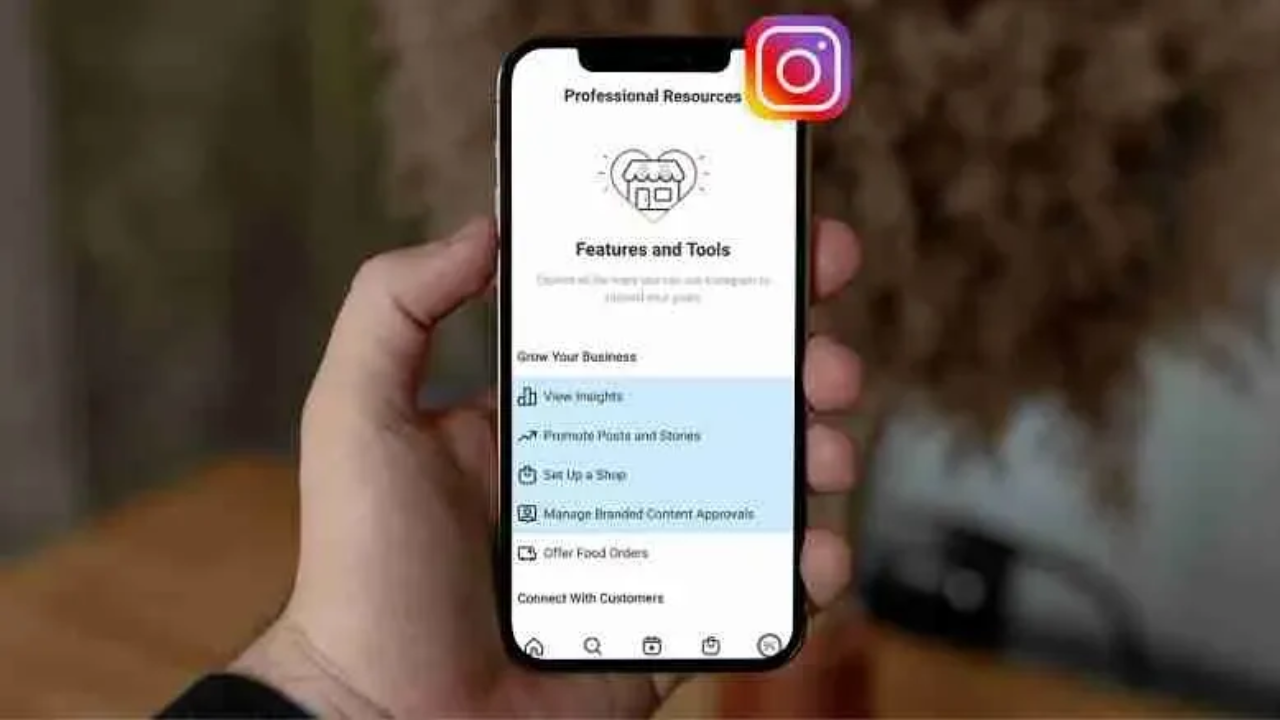
Last updated: October 2026 · Written by 20 Minute Marketing · 8 min read
Quick answer
To set up Instagram for business, switch the account to a professional (Business) account, choose a consistent username, fill in the name, bio, links and contact options, connect it to a Facebook Page and Meta business settings, then use Insights to see which posts work. The whole setup takes under an hour.
This guide is for anyone setting up or running an Instagram account for a brand: people learning social media for a marketing role, freelancers who manage accounts for clients, staff asked to look after the company account, and owners doing it themselves. The examples use local businesses such as plumbers and cafes because those are the accounts most beginners manage first. Instagram tends to suit brands with something visual to show, such as renovation, hospitality, health and wellness, retail, landscaping and beauty, and its Reels format can put content in front of people who do not follow the account yet.
A personal account and a properly configured Business account are not the same thing. The Business account adds contact buttons, Insights, advertising and, where available, shopping features, plus the link to Meta's business tools. Below is the full setup, in the order you should do it.
Step 1: Convert to a Business Account (or Create One)
📘 Want the full picture? Read our social media playbook, the complete pillar guide this article is part of.
If the business already has a personal account it has been posting from, convert it rather than starting fresh, so it keeps its followers and post history. In the app, open Settings, find the account type option (currently under "Account type and tools") and switch to a professional account, then choose Business. Instagram moves menu labels from time to time, so search settings for "professional account" if you cannot see it. If you are starting from scratch, create a new account with the business email address and switch it to Business straight away.
When prompted, connect the account to the brand's Facebook Page. It is optional, but it makes advertising, shared inbox management and cross posting much easier through Meta's business tools (see the Facebook and Instagram ads beginner's guide). If there is no Facebook Page yet, the Facebook Business Page setup guide covers it step by step.
If you are setting this up for an employer or a client, create it with an email address the business controls, not your personal one, so the business keeps ownership if you move on.
Step 2: Choose the Username Carefully
The username (the @handle) appears in search and on every post. The best choice is the business name, as close as possible to how it appears everywhere else. If the exact name is taken, add the city or state: @bluegumplumbingsydney rather than something abstract like @bgplumber.
Consistency across platforms matters. If the Facebook Page is "Blue Gum Plumbing", the Instagram handle should be @bluegumplumbing and the Google Business Profile should use the same name. Matching names make the brand easier to find and avoid confusing customers who check several platforms before they call.
Step 3: Optimise the Profile
A few profile elements do most of the work in turning a visitor into a follower or an enquiry:
Profile Photo
Use the logo. Instagram shows it as a circle, so a logo that fills the circle cleanly works best. Use a photo of a person only when the account is a personal brand.
Name Field
The name field is separate from the username, and both are searchable on Instagram. Use the full business name and consider adding a keyword: "Blue Gum Plumbing | Sydney Plumber" gives both brand recognition and a better chance of appearing when people search for the service.
Bio (150 characters)
The bio has 150 characters to answer three questions: what the business does, where it does it, and what someone should do next. For a service business: "Emergency plumber across Sydney's Inner West. Call, DM or tap the link below for a quote." Specific, local and with a clear action. Only include claims such as "24/7" if they are true. Skip vague lines like "passionate about our craft", which tell a potential customer nothing.
Links in Bio
Instagram lets you add several links to a profile (currently up to five), though only the first shows prominently. Put the page that matters most first: the services page, the booking form or the homepage. If you need more than that, a tool such as Linktree creates a simple page of links behind a single URL. Tag links with UTM parameters so Instagram traffic is easy to see in analytics.
Contact Information
In the profile's contact options, add the phone number, email address and physical address or service area. These create contact buttons that let mobile users call or email without leaving Instagram, which many accounts overlook.
Step 4: Understand Instagram's Content Formats
Instagram is a multi format platform. Knowing what each format is for helps you plan a sensible content mix:
- Feed posts (square, portrait or landscape images and videos): The permanent portfolio. They stay on the profile grid and show the brand's visual identity over time. Use them for the best work, customer reviews shared with permission, and polished content.
- Reels (vertical video): The format Instagram most actively shows to people who do not follow the account. Instagram has extended the maximum Reel length to a few minutes, but short Reels are easier to watch through to the end. Behind the scenes clips, quick tips and process videos work well.
- Stories (vertical, disappear after 24 hours): The day to day touchpoint with existing followers. Polls, question boxes, countdowns and link stickers make them interactive. Use them for announcements, behind the scenes moments and quick promotions.
- Carousels (several images or videos in one post): Good for before and afters, step by step processes and tip series, because people swipe through the whole sequence.
A practical starting mix for a new account: two feed posts a week (one project photo, one tip or review), one Reel a week (a process or behind the scenes clip), and Stories whenever something worth showing happens. One person can sustain that without a content team, and it covers all four formats.
Step 5: Use Instagram Insights
Professional accounts get Insights, a dashboard showing views, reach, profile activity, follower demographics and post by post performance. (Meta has been replacing "impressions" with "views" as its main exposure metric, so older guides may use different labels.) Check it weekly for the first few months to learn which content the audience responds to, and let that guide what you post next.
Early on, the number to watch is reach: how many unique accounts saw each post. High reach on a Reel shows Instagram is showing it beyond the existing followers, which is what drives growth. Engagement on feed posts (likes, comments, saves and shares relative to reach) shows whether the content is building loyalty. Compare each post with the account's own average rather than an industry benchmark.
Being able to pull these numbers into a short monthly summary, explaining what worked and what you will change, is one of the most useful things you can show an employer or a client.
Step 6: Connect Meta Business Settings for Ads
Even if nobody plans to run ads yet, connect the account to the business's portfolio in Meta Business Suite now (the business settings area was previously called Business Manager). In business settings, open Accounts, then Instagram accounts, and add the account. This lets you run ads across Facebook and Instagram from one campaign, use the Meta Pixel to track website visitors, and give a team member, freelancer or agency access without anyone sharing a personal login.
Doing this during setup is much simpler than untangling access later, especially once several people or an agency are involved.
After setup, consistency matters more than anything else. Accounts that keep showing up in a mix of formats week after week build an audience; accounts that post in bursts and go quiet do not.
Frequently asked questions
Can I practise this without a business of my own?
Yes. Set up a practice account for a fictional brief, for example a suburban florist, with a clear username, name field, bio and links. Plan two weeks of content covering all four formats, post it, then write a one page Insights summary of what reached furthest and why. That account and summary make a solid portfolio piece for interviews or client pitches.
Is a Business account better than a Creator account?
For most brands, yes. A Business account suits companies selling products or services and gives contact buttons and full access to business tools. Creator accounts are designed for individuals and influencers. Both are professional accounts with Insights, and you can switch between them.
Do I need a Facebook Page to use Instagram for business?
No, but it helps. Connecting a Facebook Page makes it easier to run ads, manage messages in one inbox and give others access through Meta business settings.
How many links can I put in an Instagram bio?
Instagram currently allows up to five links on a profile. The first link is the one most people see, so put the most important page there.
How often should a new business account post?
A sustainable starting point is two feed posts and one Reel a week, plus Stories when there is something worth sharing. A rhythm you can keep up beats a burst of daily posting that stops after a fortnight.
What should I measure first in Instagram Insights?
Start with reach, especially on Reels, to see whether content is getting beyond existing followers. Then look at saves, shares and profile activity such as link taps and contact button taps, because those show real interest.
Ready to learn this properly? take the Social Media Marketing Course ($149, over 30 lessons).
Not sure which course fits where you are starting?
Answer a few quick questions and we will point you to the course that matches your goal, whether that is a marketing job, freelance clients or your own business.
Paid once. 12 months access. 30 day money-back guarantee.
Learn digital marketing in 20 minutes a day
Self-paced courses from someone who runs digital for two national brands. Build skills you can show an employer or a client.