The Second Chance: How to Use "Retargeting" to Win Back Lost Leads for Cents
Mar 10, 2026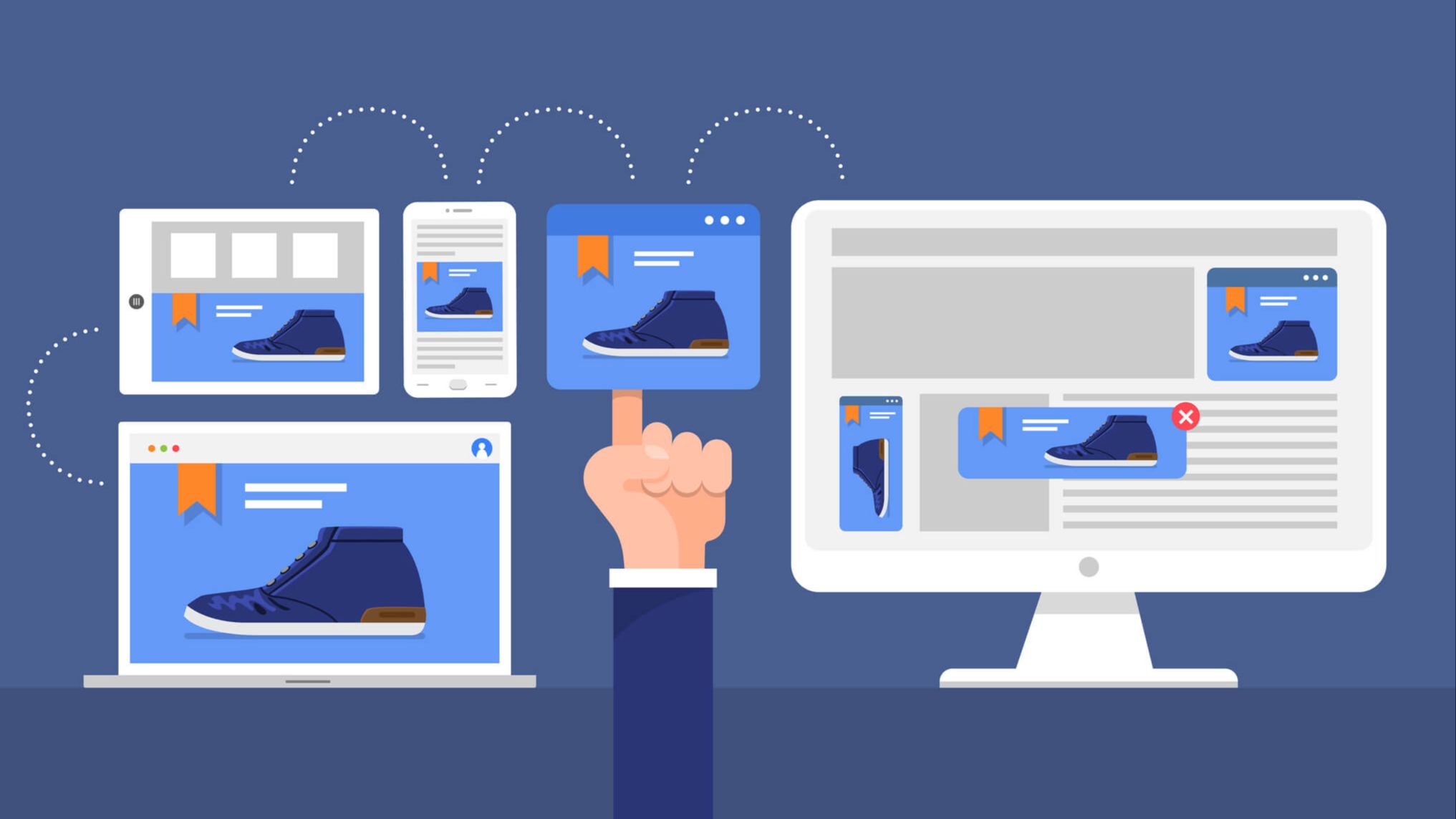
Last updated: April 2026 · Written by 20 Minute Marketing · 9 min read
The "First Date" Fallacy
Most small business owners treat their website like a "one-and-done" interaction. They spend money on
But in 2026, the average consumer needs 7 to 10 "touchpoints" with a brand before they feel safe enough to book. They might be comparing you to three other businesses while sitting on the train or waiting for the kettle to boil.
Retargeting is the "Safety Net" that ensures when they are ready to make a decision, your face is the one they see. This "Omnipresence" strategy is a core module in our
Phase 1: The "Invisible" Setup (The Meta Pixel & Google Tag)
📘 Want the full picture? Read our the 2026 Google Search Ads guide — the complete pillar guide this article is part of.
Before you can retarget, you need to be able to "recognize" your visitors.
-
The Pixel: This is a tiny piece of code from Meta (Facebook/Instagram) and Google that you paste into the header of your website.
-
The 2026 Update: Because of privacy changes (like iOS 14+), you should also set up Conversions API (CAPI). This allows your website to talk directly to the ad platforms' servers, ensuring your "Safety Net" still works even if users have ad-blockers on.
The Action: If you use WordPress, Shopify, or Wix, there are "One-Click" integrations for the Meta Pixel. Do this today, even if you aren't ready to run ads yet—it starts building your "audience" immediately.
Phase 2: The "Logic" of the Retargeting Ad (5 Minutes)
A retargeting ad should never be the same as your "Cold" ad. They already know who you are. The goal now is to address their hesitation.
The Three "Trust-Builder" Ad Types
-
The Social Proof Ad: Show a screenshot of a recent
5-star review -
Caption: "See why 50+ Forest Hill families trust us with their [Service]!"
-
-
The "Expert" Video: A 30-second
UGC video -
Caption: "Still thinking about [Service]? Here is one thing most people forget..."
-
-
The "FAQ" Ad: Use your
AI FAQ database
Phase 3: The "Cents on the Dollar" Budget
Because your "Retargeting Audience" is small (only people who have been to your site), you don't need a big budget.
-
The $2-a-Day Rule: For most local businesses, $2 to $5 a day is enough to ensure every single person who visited your site sees your "reminder" ad 2–3 times a week. If you'd rather learn to set this up yourself, our PPC course walks through it in short lessons.
-
The ROI: Retargeting ads often have a Return on Ad Spend (ROAS) of 10x or higher because you are only talking to "Warm" leads who are already 90% of the way to a decision.
Phase 4: Setting the "Frequency" Cap
There is a fine line between being "top-of-mind" and being "annoying." In your Meta Ads Manager, check your Frequency.
-
If a person sees your ad more than 4 or 5 times in a week, they will experience "Ad Fatigue" and might block you.
-
The Fix: Set a custom audience for "People who visited in the last 30 days" and exclude "People who have already booked."
As noted by
Chapter 5: Multi-Channel Retargeting
In 2026, the best businesses use the "Surround Sound" effect.
-
Someone finds you on Google.
-
They see your reminder on Facebook.
-
They see your "How-to" video on Instagram Reels.
-
They receive your
Value-First Newsletter
By the time they call you, they feel like they’ve known you for years. This is how small businesses win against "Big Box" companies with million-dollar budgets—by being locally omnipresent.
FAQ: Retargeting Strategy
"What if I don't have enough traffic for retargeting?"
If you have fewer than 100 visitors a month, your ads might not run. Focus on your
"Is retargeting creepy?"
Not if you provide value. Don't say: "We saw you looking at our site!" Instead, say: "Still looking for a plumber in Forest Hill? Here is our latest project." It feels natural and helpful.
"Do I need a special landing page?"
No. Most retargeting ads should go straight to your
Conclusion: Don't Leave Money on the Table
You've worked too hard to get people to your website to just let them walk away forever. By setting up a simple, $2-a-day retargeting safety net, you ensure that your business remains the "obvious choice" when your customer finally decides it’s time to buy.
Ready to Catch Your Lost Leads? In our
Enroll in the 20-Minute Marketing Essentials Course – Build Your Safety Net
Get the complete digital marketing system built for Australian small business.
View the Essentials Program →Tired of Google Ads eating your budget?
Inside the 20 Minute Marketing course you'll learn the exact ad structure that profitable small businesses use to keep cost-per-lead low and conversions high.
Built for time-poor Australian small business owners.
Learn digital marketing in 20 minutes a day
Self-paced courses from someone who runs digital for two national brands. Build skills you can show an employer or a client.