
How to Build a Custom GPT for Your Small Business in 20 Minutes
Jul 13, 2026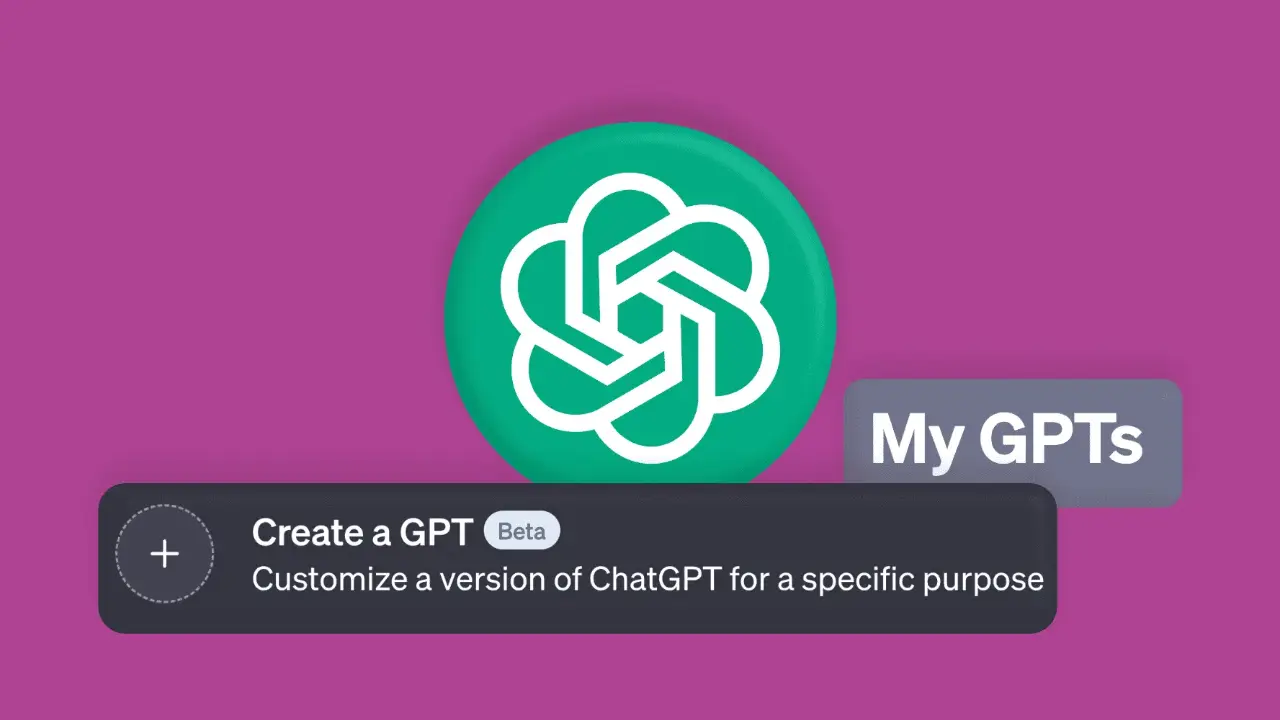
How to Build a Custom GPT for Your Small Business in 20 Minutes
A custom GPT is a tailored AI assistant trained on your business's brand voice, service details, and FAQs. You can build one within ChatGPT by uploading key documentation, writing clear system instructions, and refining its responses. It eliminates the need to re-explain your background context and ensures consistent, on-brand marketing copy.
Pasting the same background context into ChatGPT every session ("We are a service business based in Chicago, our brand tone is professional, our core offering is...") slows down your workflow. Creating a custom GPT solves this issue: configure the background details once, and the assistant retains your business profile indefinitely. Here is how to complete the setup in 20 minutes.
What Is a Custom GPT?
A custom GPT is a tailored configuration of ChatGPT pre-loaded with specific context, reference documents, and operating guidelines. Rather than starting with a blank prompt, it operates with prior knowledge of your services, target audience, brand guidelines, and common customer inquiries. Creating a custom GPT requires a paid tier. View ChatGPT pricing options for current plan details.
5-Step Setup Guide
1. Gather Source Documentation Preparation
Compile core business information: company overview, service tier summaries, target audience profiles, brand voice rules, and frequent customer FAQs into a concise text document.
Best for: Establishing clear baseline context.
2. Access the Builder Interface Setup
Navigate to "Explore GPTs" inside ChatGPT and select "Create." The interactive builder guides configuration using conversational natural language prompts.
Best for: Initializing project parameters easily.
3. Write Clear System Instructions Configuration
Define operational role parameters explicitly: "Write clear, professional marketing copy. Avoid jargon, maintain an encouraging tone, and include direct calls-to-action for scheduling consultations."
Best for: Controlling tone and output format.
4. Upload Knowledge Files Knowledge Base
Attach reference PDFs, price sheets, and service guides in the Knowledge settings area so responses draw from verified internal sources rather than general assumptions.
Best for: Ensuring accurate factual details.
5. Test and Refine Responses Optimization
Run test scenarios generating social captions or email drafts. Update system instructions to adjust tone inconsistencies, missing details, or improper formatting.
Best for: Polishing long-term execution quality.
Key Practical Applications
A configured custom GPT accelerates repetitive marketing tasks: generating on-brand social captions, drafting email responses to client inquiries, summarizing blog drafts into newsletter summaries, and writing specialized ad copy variations. Pre-loaded context ensures initial outputs require significantly less editing.
Maintenance Best Practices
Custom GPT quality directly reflects input precision. Broad instructions lead to generic text generation. Dedicate initial setup time to refining parameters, and update attached reference documents whenever service offerings, pricing structures, or messaging priorities evolve.
Frequently Asked Questions
What is a custom GPT?
A custom GPT is a tailored instance of ChatGPT pre-loaded with specific company information, guidelines, and reference files to produce consistent, on-brand responses without repeating context.
Do I need coding skills to build a custom GPT?
No coding experience is necessary. ChatGPT's interface allows setup using conversational natural language instructions and simple file uploads.
Is a paid ChatGPT plan required to build a custom GPT?
Yes. Accessing the GPT Builder requires an active paid ChatGPT plan (such as Plus, Team, or Enterprise). Check OpenAI's official pricing page for detailed feature availability.
What business tasks suit a custom GPT best?
Custom GPTs excel at repetitive content tasks including drafting social posts, generating email inquiry responses, writing ad variations, and standardizing brand communications.
Learn Practical AI Marketing in 20 Minutes
Our AI Marketing short course shows you how to use custom AI tools effectively through clear, non-technical instructions, skills you can use in a marketing role or for clients.
Browse short coursesLearn digital marketing in 20 minutes a day
Self-paced courses from someone who runs digital for two national brands. Build skills you can show an employer or a client.
